Twitch Rewards State Auto Update
Introduction
This action allows you to automatically pause your Twitch channel point redemptions and Streamer bot commands when you switch to certain scenes.
Two pause levels are pre-configured: "All rewards" and "some rewards". Even if you don't include all your rewards under "All rewards", this case must pause more rewards than "some rewards" for everything to work correctly.
Installation and Configuration
Import the actions into Streamer Bot.
For details please consult the streamer bot website documentation directly.
Create the following persisted global variables
allRewardsPaused : false, someRewardsPaused : false
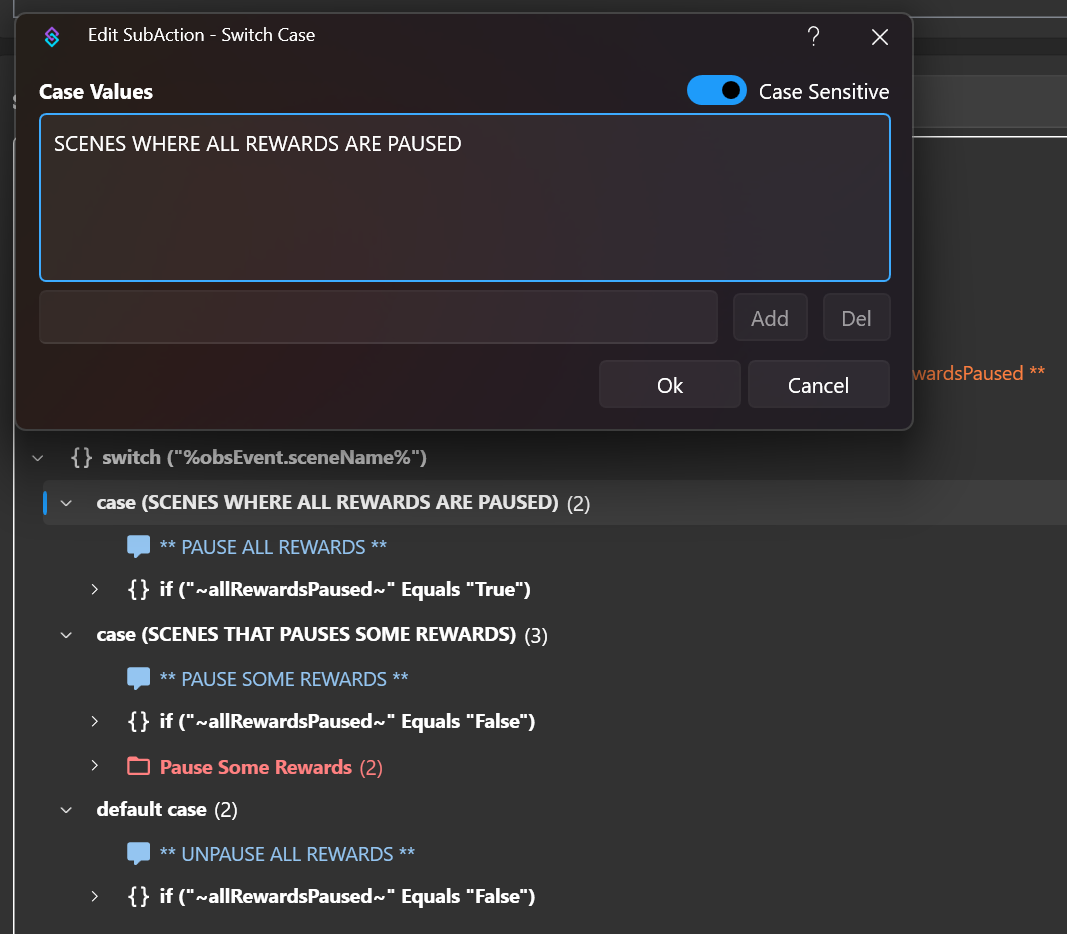
Edit the switch with the name of the scenes on which you want to pause the rewards
It is possible to add multiple entries if you want the rewards to be paused on multiple scenes. The default case reactivates all rewards and commands by default.
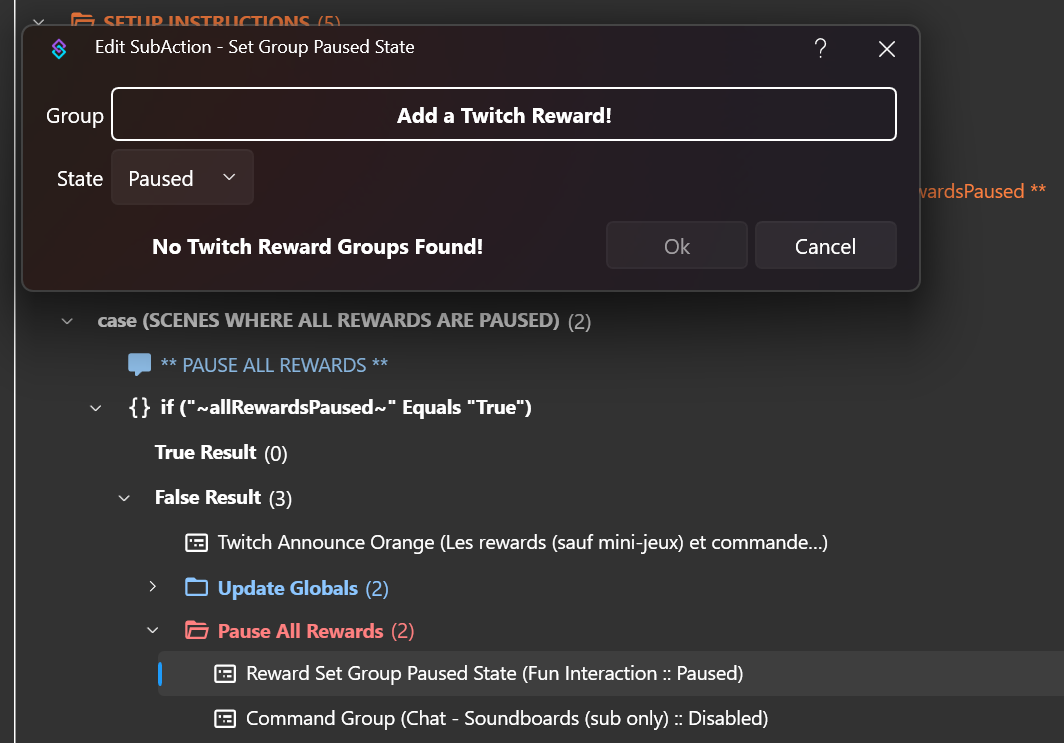
Edit the command / reward groups that are paused
Select all reward groups to pause.
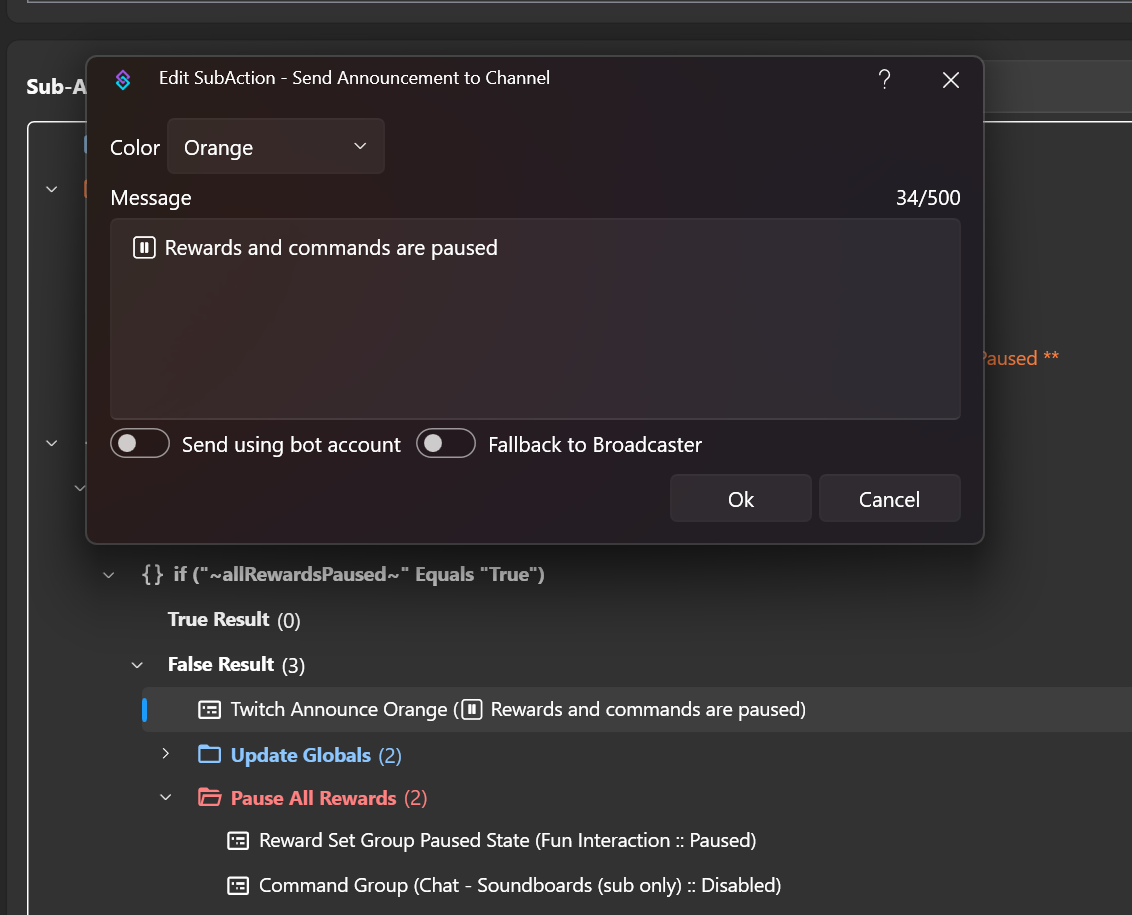
Edit the content of messages sent to notify the chat
The action sends notification messages to viewers in the chat to inform them of changes to channel point reward and command states. You can customise these messages directly in the switches.